
Full sites vs microsites
Last updated 26 June 2026
MakeMySiteLive now supports two publishing modes. Full sites are for complete website folders uploaded as a ZIP. Microsites are for one-page HTML files that need to go live quickly. Both get a live HTTPS URL and version history, but they are designed for different jobs. This guide explains what each mode includes, what is intentionally limited, and which one to choose.
What you’ll need
- Use a full site when you have a folder or ZIP with HTML, CSS, JavaScript, images, fonts, or multiple pages.
- Use a microsite when you have one standalone .html or .htm file and want the fastest publish path. Microsites are unlimited for normal use.
- Pick based on the files you have today, not the project name. A landing page with many assets is still a full site.
Quick comparison
| Feature | Full site | Microsite |
|---|---|---|
| Upload format | ZIP with index.html, folders, assets, scripts, images, fonts, and PDFs | One .html or .htm file |
| Best for | Portfolios, builder exports, docs, agency sites, multi-page projects | Unlimited quick demos, tiny landing pages, waitlists, event pages, experiments |
| Size model | 50 MB storage per full site, plus assigned storage blocks | Unlimited microsites, 3 MB HTML file limit each |
| Updates | Upload a new ZIP or roll back to an older version | Upload/edit one HTML file and publish a new version |
| Custom domains | Available on Pro sites | Not included |
| Password protection | Available on Pro sites | Not included |
| PWA settings | Available for full sites | Not shown |
| Dashboard limit display | Shows real free and Pro-site slot usage | Shows infinity in the UI, with fair-use protection for unusual activity |
Steps
- Step 1 of 5Step 1 of 5
Choose a full site for complete website exports
Full sites accept a ZIP upload. The ZIP can contain index.html, CSS, JavaScript, images, fonts, PDFs, and nested folders. This is the right choice for builder exports, portfolios, documentation, agency pages, and AI-generated websites with multiple assets.
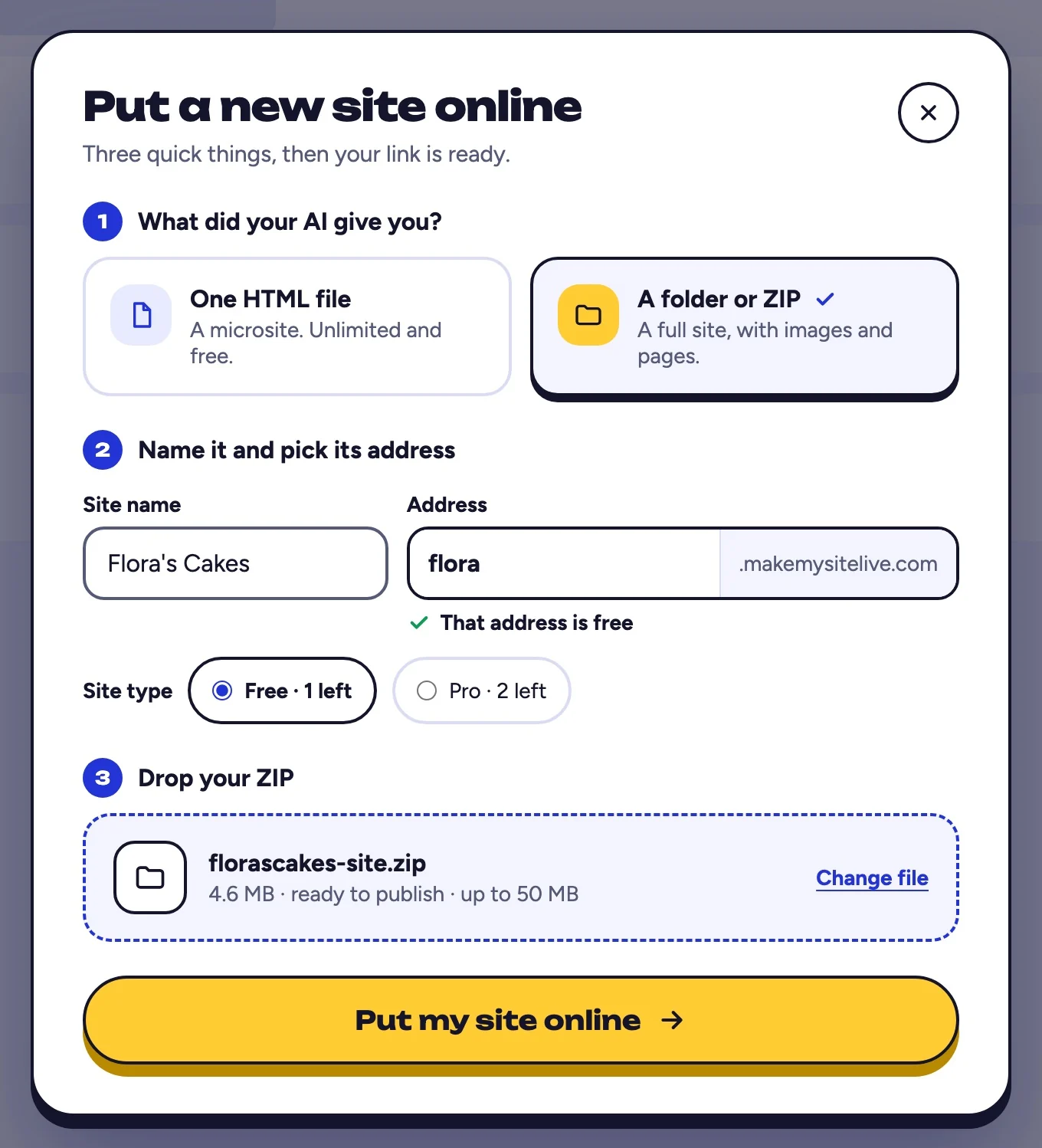
You should see: both choices at the top of the Put a new site online window.
- A folder or ZIP makes a full site
- Step 2 of 5Step 2 of 5
Choose a microsite for a single HTML file
Microsites accept one .html or .htm file, up to 3 MB. They are unlimited for normal use and useful for quick one-page demos, tiny landing pages, waitlists, event pages, announcements, and experiments where everything is inside one HTML file.
You should see: One HTML file marked as unlimited and free.
- One HTML file makes a microsite
- Step 3 of 5Step 3 of 5
Understand what both modes share
Both full sites and microsites get a makemysitelive.com subdomain, HTTPS, live status, version history, rollback, dashboard management, and delete controls. Both can be published from the dashboard, and both create immutable versions when updated.
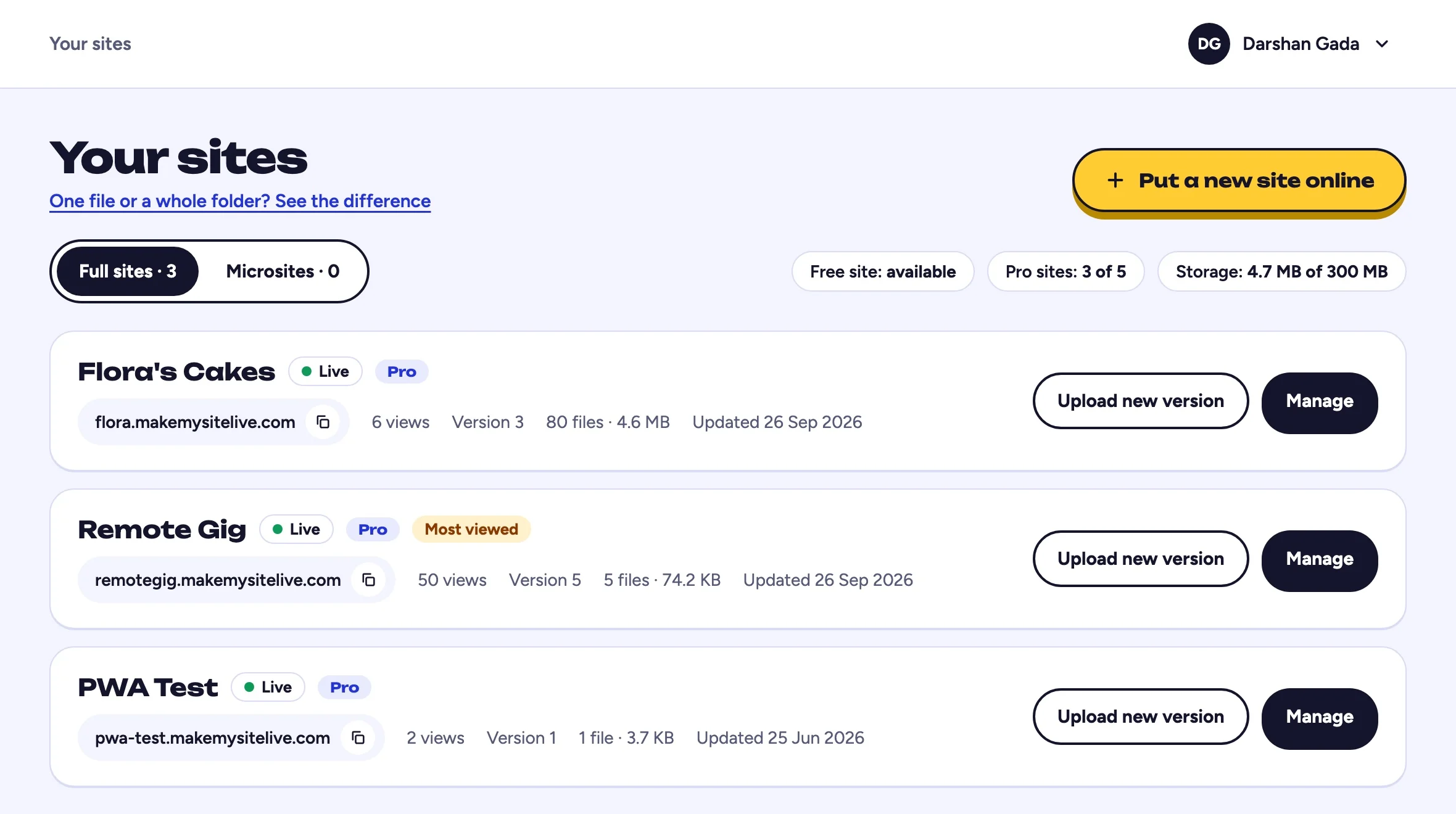
You should see: full sites and microsites in two tabs on the same page.
- Your full sites
- Your microsites
- Step 4 of 5Step 4 of 5
Know what full sites support that microsites do not
Full sites support ZIP redeploys, storage allocation, custom domains on Pro sites, password protection, branding controls, PWA settings, and larger file trees. Microsites intentionally stay smaller and simpler: unlimited single HTML uploads or edits, lightweight storage, and no PWA settings.
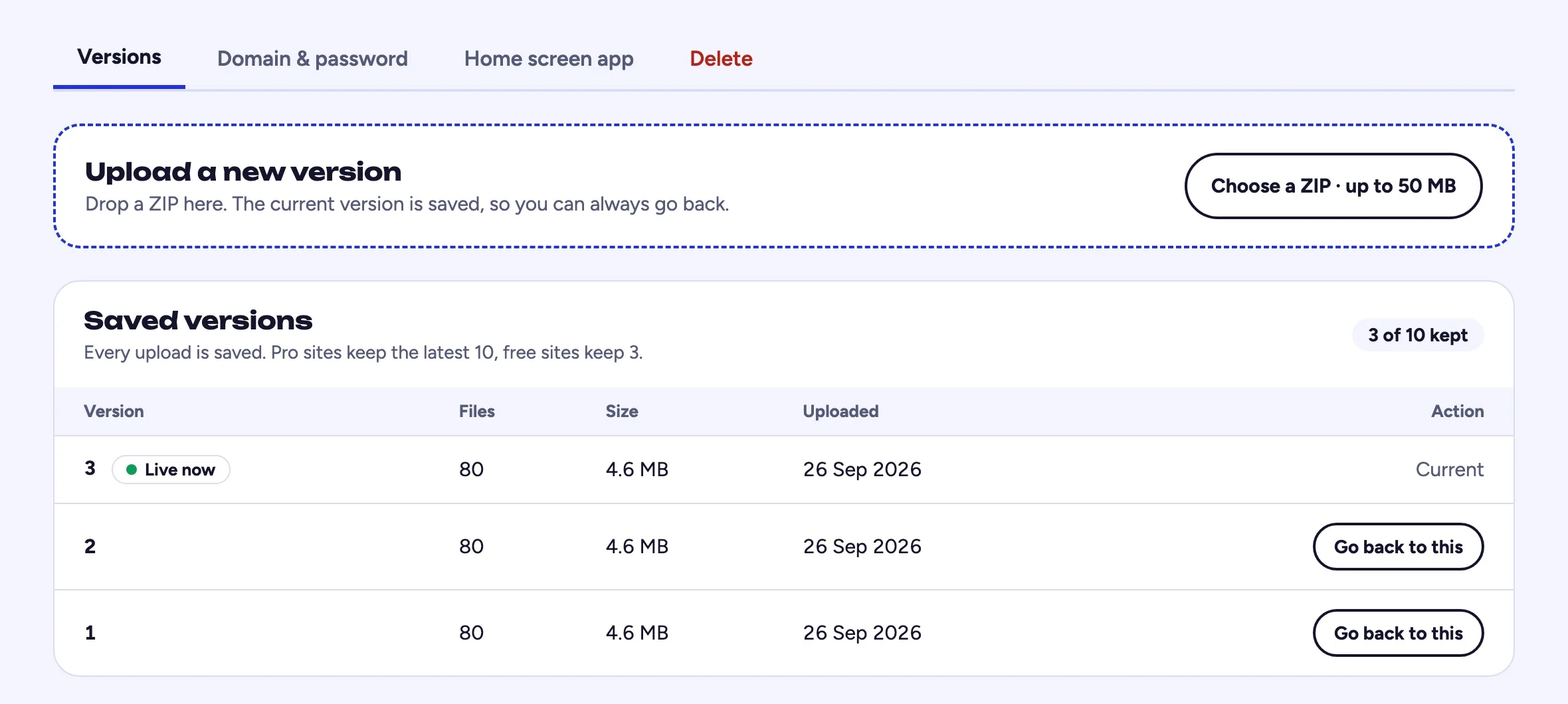
You should see: the Domain & password tab on a full site.
- Domain and password are full site features
- Step 5 of 5Step 5 of 5
Use microsites for speed, not for every project
Microsites are best when the whole page can live in one HTML file. If you need separate asset folders, multiple pages, custom domains, password protection, PWA settings, or larger uploads, create a full site instead.
You should see: the Microsites tab.
- Quick one-pagers live here
Frequently asked questions
Are microsites unlimited?
Yes. Microsites are marketed and shown as unlimited because they are designed for lightweight single-file pages. Very high, automated, abusive, or unusual usage may still be limited by fair-use protections; if you are publishing legitimate microsites and hit a limit, contact support and we can help.
Can a microsite use CSS and JavaScript?
Yes, if the CSS and JavaScript are inside the same HTML file or loaded from external URLs. If the page depends on local CSS, JS, image, or font files, use a full site ZIP instead.
Can I turn a microsite into a full site later?
Yes. Open the microsite dashboard and choose Convert to full site. The conversion keeps the existing subdomain and content and uses one available Pro-site slot; if every slot is in use, add one in Billing first.
Do microsites get custom domains or PWA settings?
No. Microsites are intentionally small and fast. Custom domains, password protection, and PWA settings belong to full sites.
Which one should I use for an AI-generated website?
If the AI tool produced one complete HTML file, use a microsite. If it produced a folder with index.html, styles, scripts, and assets, ZIP the folder and use a full site.
Related guides
- How to make your website live
- How to host an HTML website for free
- How to put a ZIP file online as a website
More: all guides · comparisons · pricing