
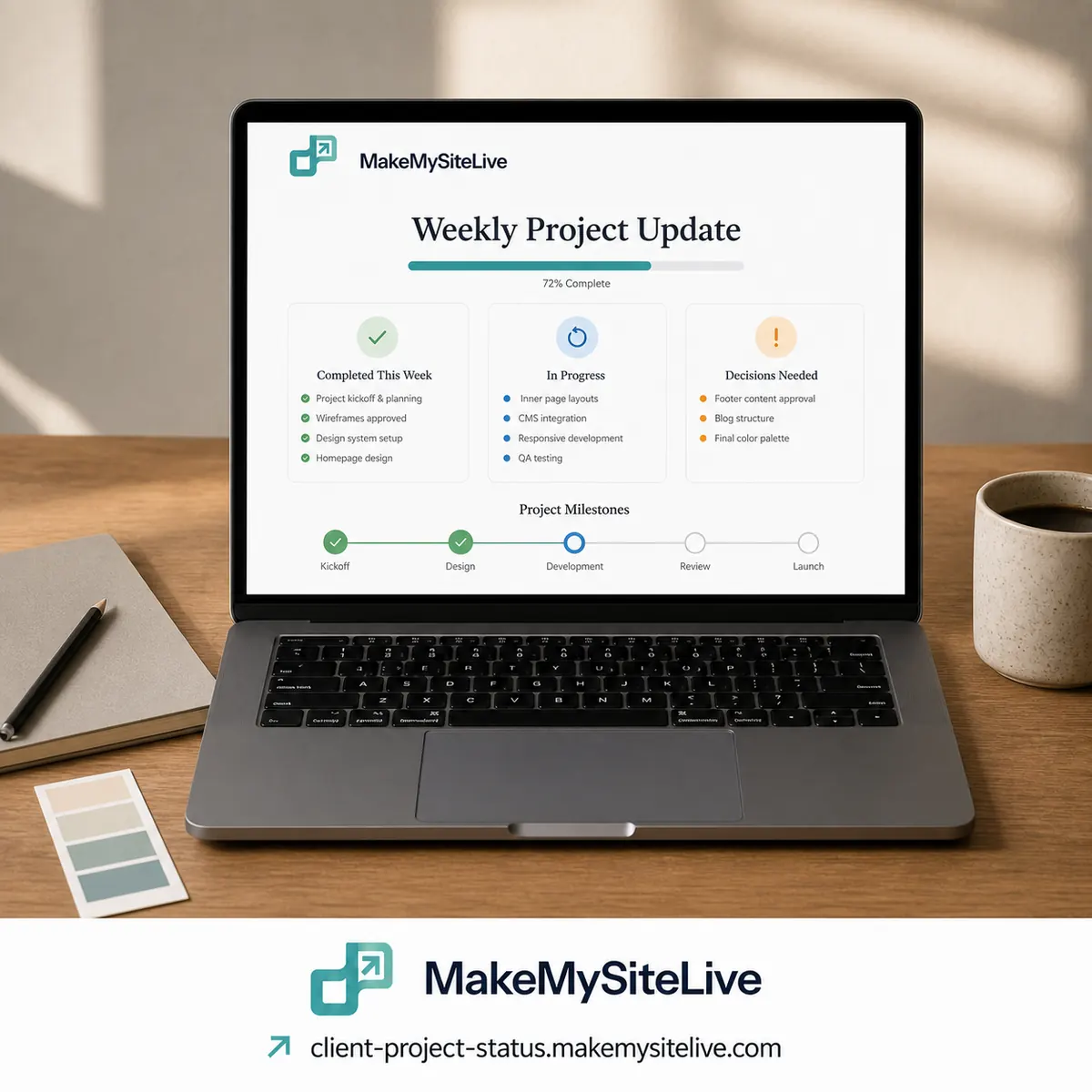
Template
Client project status page
A weekly status page for a client project, so “where are we?” has one standing answer.
Before you paste this
- 1Connect the MakeMySiteLive MCP to Claude or another MCP-compatible agent (one-time setup, under a minute).
- 2Fill in the bracketed details below, or just paste the prompt as-is and answer the agent's follow-up questions.
- 3Paste it in. The agent builds the page and publishes it in the same turn, and hands you back the live link.
MCP connector URL
https://mcp.makemysitelive.com/mcpPrompt
Build a single self-contained HTML status page for a project called [PROJECT NAME]: what we finished this week, what we're working on now, up to two decisions we need from the client stated plainly, any blocker worth flagging, and the next milestone with a date. One clean, mobile-friendly page.

Then use the MakeMySiteLive MCP to publish it as a microsite and give me the live link. Next week I'll ask you to update this same page with the new week's status.
Already connected? You don't have to copy anything. This template is also a ready-made prompt in your agent: type / in Claude and look for Client project status page.
Want the reasoning behind this one first? A simple client status page that replaces the weekly update call
More templates

More: all templates · guides · blog