
Template
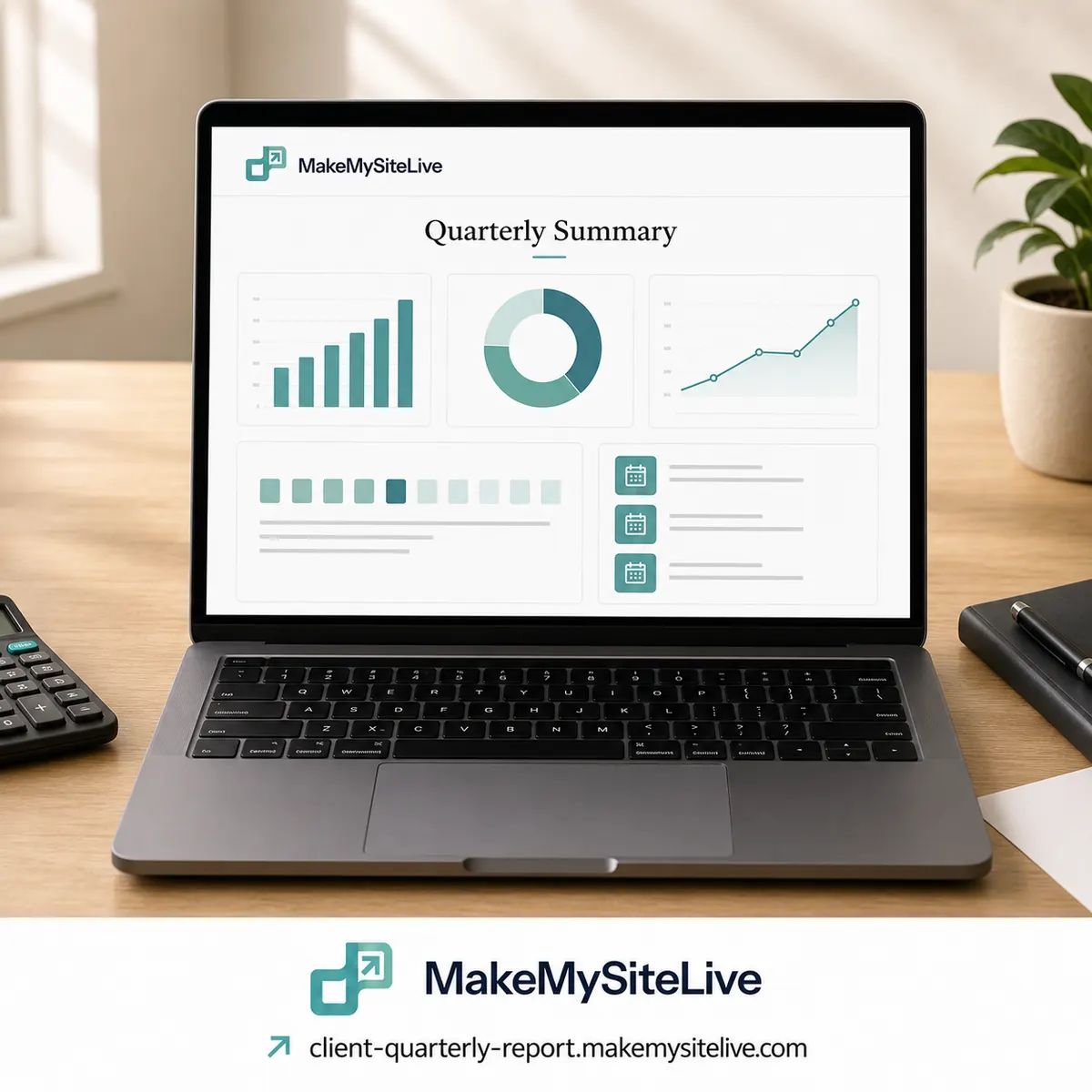
Monthly client report
A one-page quarterly summary for an accounting or CA client, instead of a 17-page PDF.
Before you paste this
- 1Connect the MakeMySiteLive MCP to Claude or another MCP-compatible agent (one-time setup, under a minute).
- 2Fill in the bracketed details below, or just paste the prompt as-is and answer the agent's follow-up questions.
- 3Paste it in. The agent builds the page and publishes it in the same turn, and hands you back the live link.
MCP connector URL
https://mcp.makemysitelive.com/mcpPrompt
Build a single self-contained HTML page summarizing this quarter for a client: what changed, revenue vs. expenses (use these numbers: [PASTE NUMBERS]), upcoming tax dates ([DATES]), documents still needed from them ([DOCUMENTS]), and three things they should do next. Keep it to one clean, mobile-friendly page with no external assets, and don't include any PAN numbers, bank statements, or filed returns on it, just the summary.

Then use the MakeMySiteLive MCP to publish it as a full site (not a microsite, since I want password protection), turn on password protection with this password: [PASSWORD], and give me the live link.
Already connected? You don't have to copy anything. This template is also a ready-made prompt in your agent: type / in Claude and look for Monthly client report.
Want the reasoning behind this one first? A password-protected client report page for accountants and CAs
More templates
More: all templates · guides · blog