
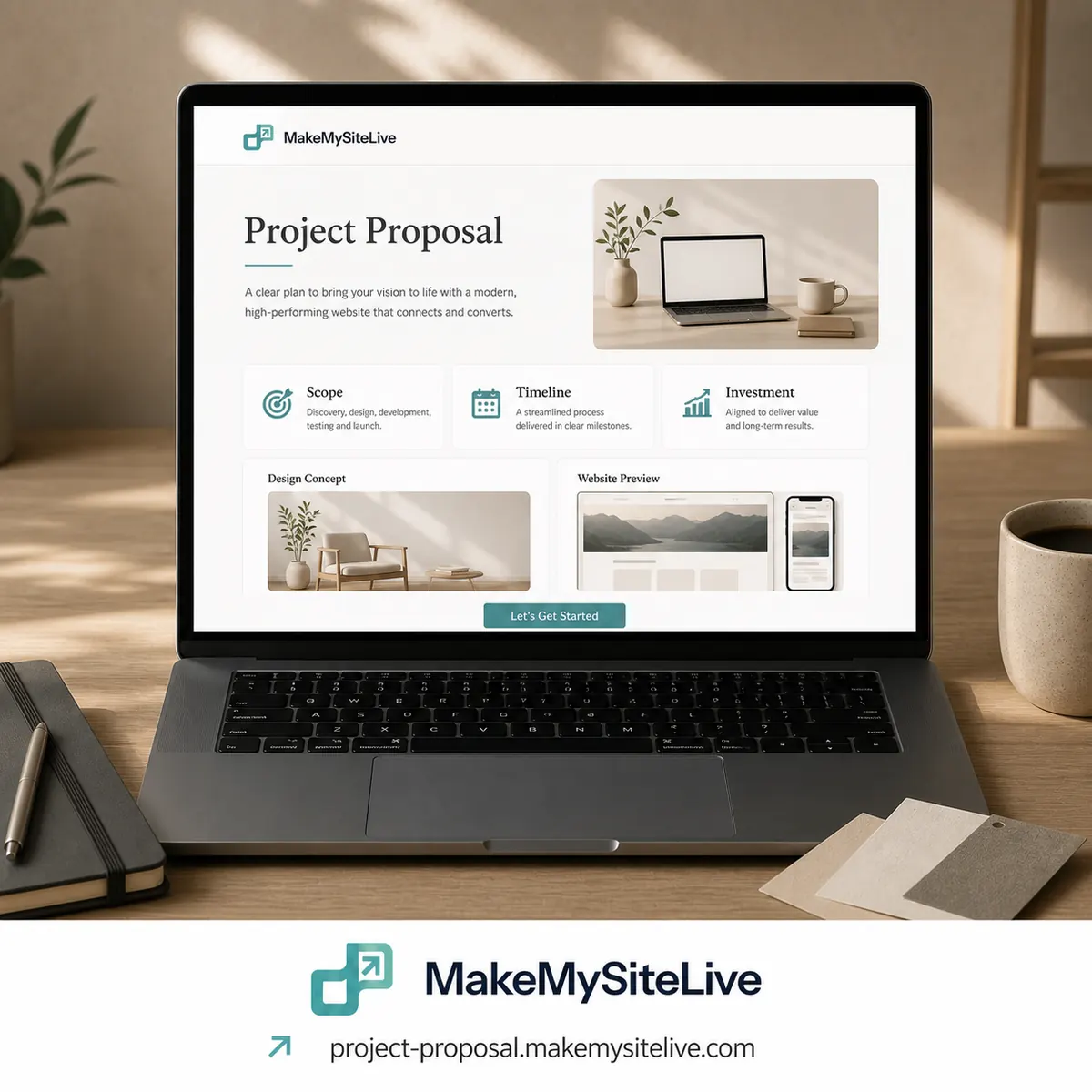
Template
Client proposal
A proposal page instead of final_v3_revised.pdf, with a one-tap way to reply.
Before you paste this
- 1Connect the MakeMySiteLive MCP to Claude or another MCP-compatible agent (one-time setup, under a minute).
- 2Fill in the bracketed details below, or just paste the prompt as-is and answer the agent's follow-up questions.
- 3Paste it in. The agent builds the page and publishes it in the same turn, and hands you back the live link.
MCP connector URL
https://mcp.makemysitelive.com/mcpPrompt
Build a single self-contained HTML proposal page for [CLIENT NAME]. In this order: the problem as I understood it ([PROBLEM]), the scope ([SCOPE]), the timeline ([TIMELINE]), the price ([PRICE]), a couple of relevant examples if I paste links, and what happens next if they say yes. At the end, add a WhatsApp button linking to https://wa.me/[YOUR NUMBER]?text=Hi%2C%20I%27d%20like%20to%20go%20ahead with the message pre-filled.

Then use the MakeMySiteLive MCP to publish it as a full site, turn on password protection with this password: [PASSWORD], and give me the live link.
Already connected? You don't have to copy anything. This template is also a ready-made prompt in your agent: type / in Claude and look for Client proposal.
Want the reasoning behind this one first? Turn your next proposal into a private webpage instead of a PDF
More templates
More: all templates · guides · blog