
Template
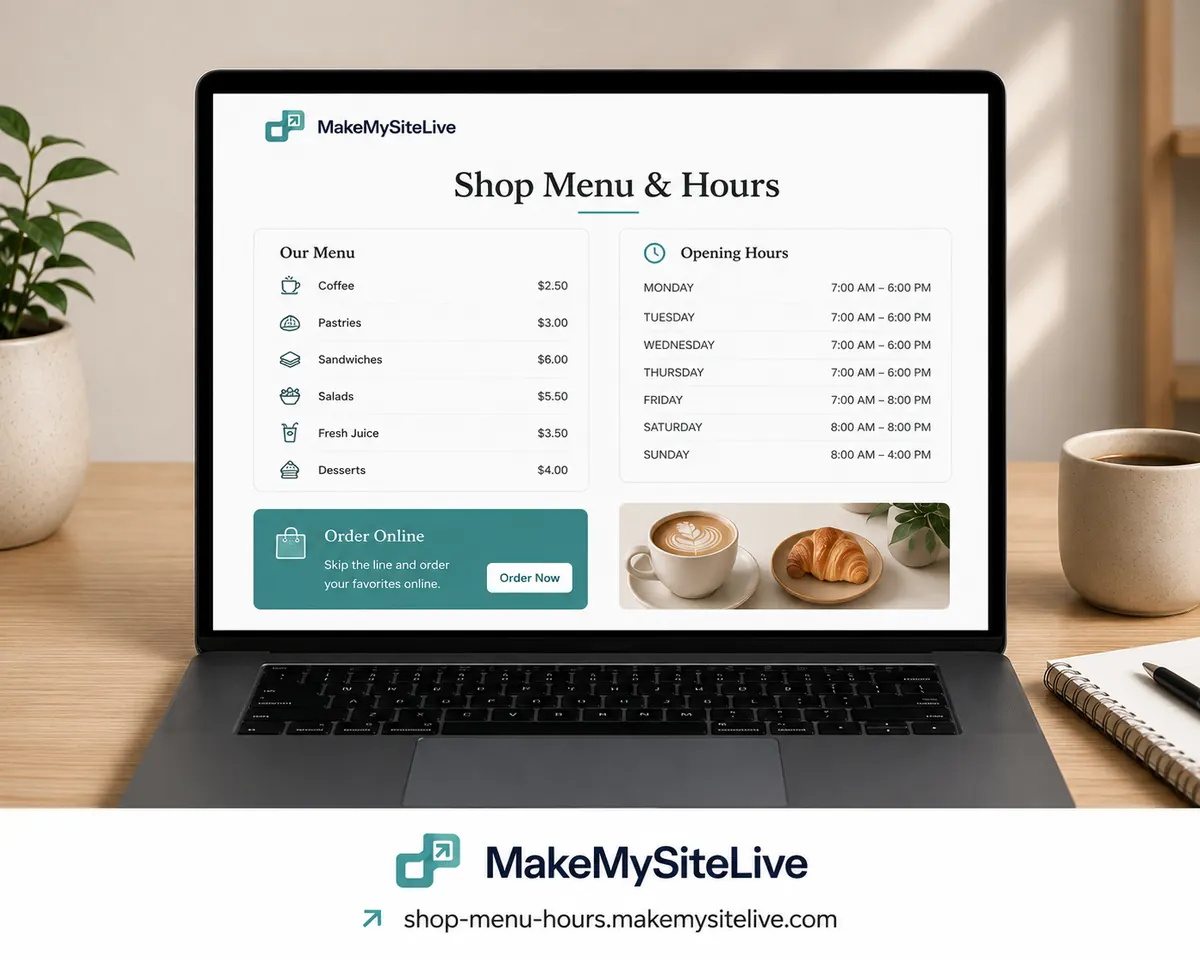
Shop menu & hours
Menu, hours, location, and a WhatsApp ordering line for a restaurant or small shop.
Before you paste this
- 1Connect the MakeMySiteLive MCP to Claude or another MCP-compatible agent (one-time setup, under a minute).
- 2Fill in the bracketed details below, or just paste the prompt as-is and answer the agent's follow-up questions.
- 3Paste it in. The agent builds the page and publishes it in the same turn, and hands you back the live link.
MCP connector URL
https://mcp.makemysitelive.com/mcpPrompt
Build a single self-contained HTML page for [SHOP NAME]: the menu with prices ([MENU]), opening hours including holidays ([HOURS]), a map link to [ADDRESS], and a WhatsApp ordering button linking to https://wa.me/[YOUR NUMBER]?text=Hi%2C%20I%27d%20like%20to%20place%20an%20order.

Then use the MakeMySiteLive MCP to publish it as a microsite and give me the live link.
Already connected? You don't have to copy anything. This template is also a ready-made prompt in your agent: type / in Claude and look for Shop menu & hours.
Want the reasoning behind this one first? A simple menu and hours page for your restaurant or shop
More templates
More: all templates · guides · blog